
Is Seedance 2.0 available on Seadance AI?
Yes. Seedance 2.0 Standard is available in the live generator on this page and is selected by default.
Turn a prompt, first and last frames, or reference images into a controlled video with synchronized audio. Seedance 2.0 Standard is selected for this generator.
Generate synchronized audio with the video
Preview video - Generate your own video above
Creative directions
Use these cinematic references to shape camera movement, character continuity, product action, fantasy transitions, and sound-aware pacing before you generate.
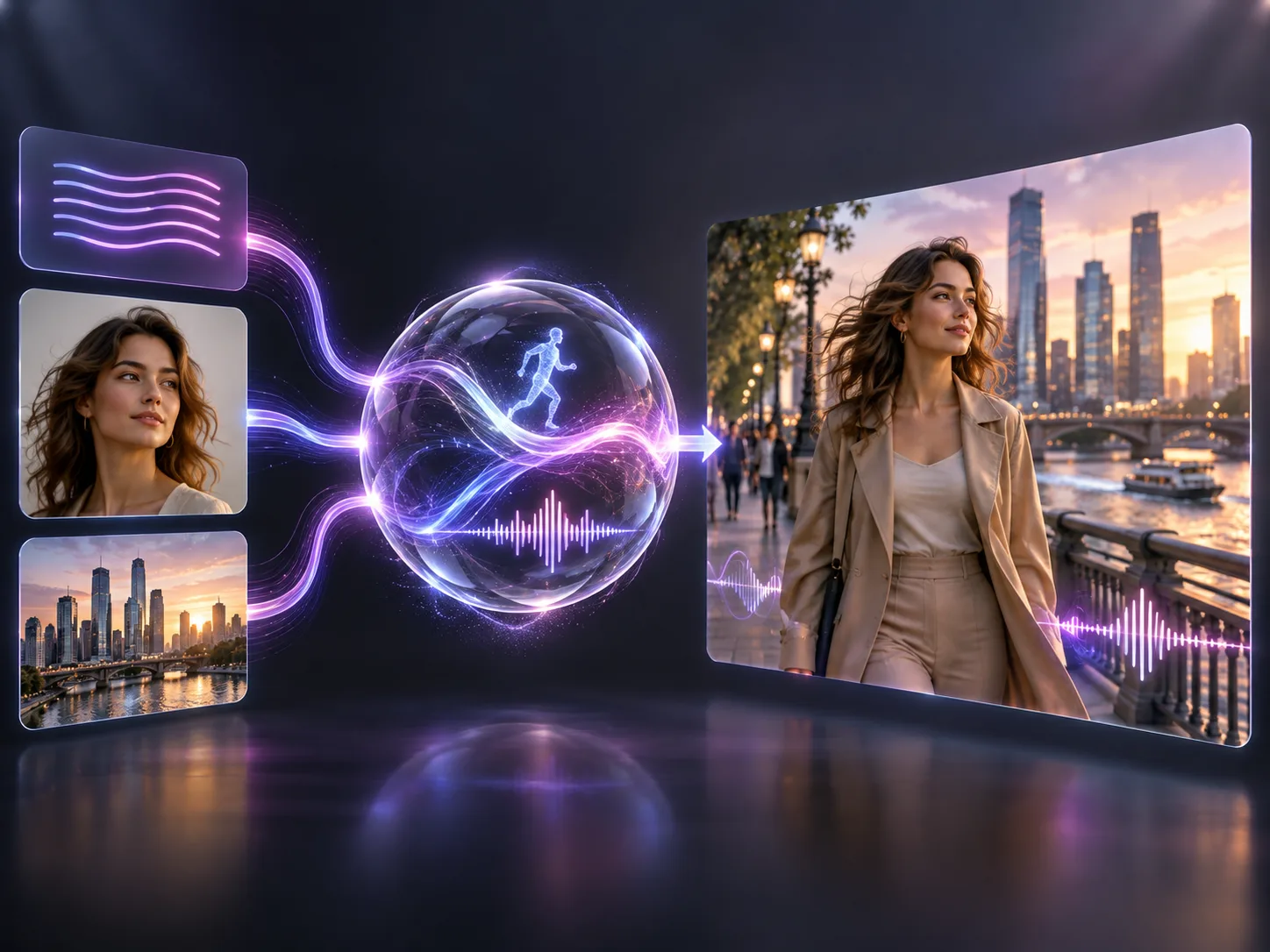
Seedance 2.0 is ByteDance's released multimodal audio-video model for controlled video creation. The Standard workflow on Seadance AI accepts text, first and last frames, or up to nine reference images, then creates a 3–15 second video with optional audio. Compared with Seedance 1.5, the model improves complex motion, physical realism, reference control, and multi-shot creation.
Give the model a clear creative brief and choose the input mode that best anchors the people, setting, movement, and sound you need.
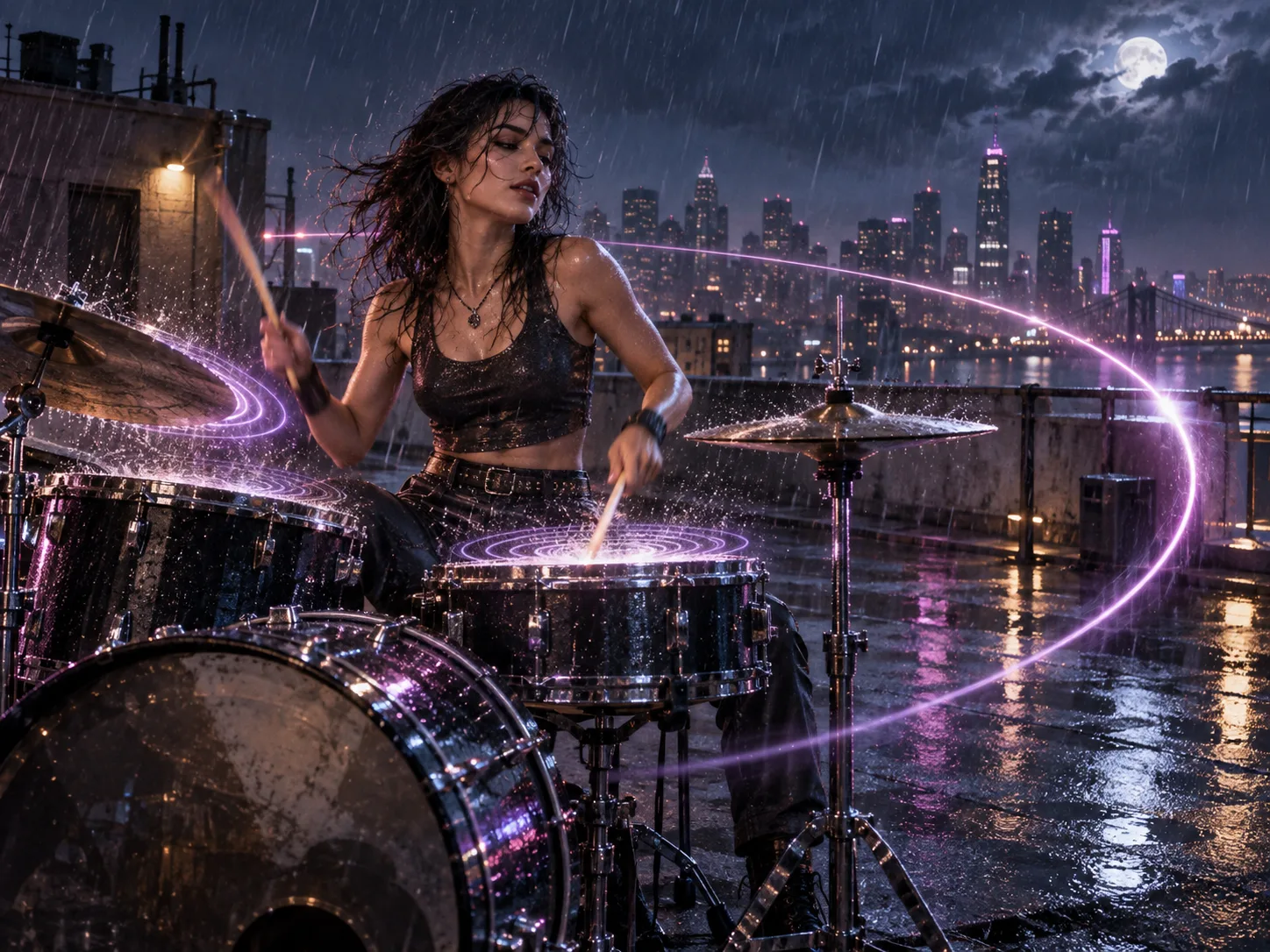
Write the subject, action, camera path, atmosphere, and sound cues in one prompt. Seedance 2.0 turns that direction into a moving scene with optional synchronized audio for performance clips, mood pieces, and short narrative beats.
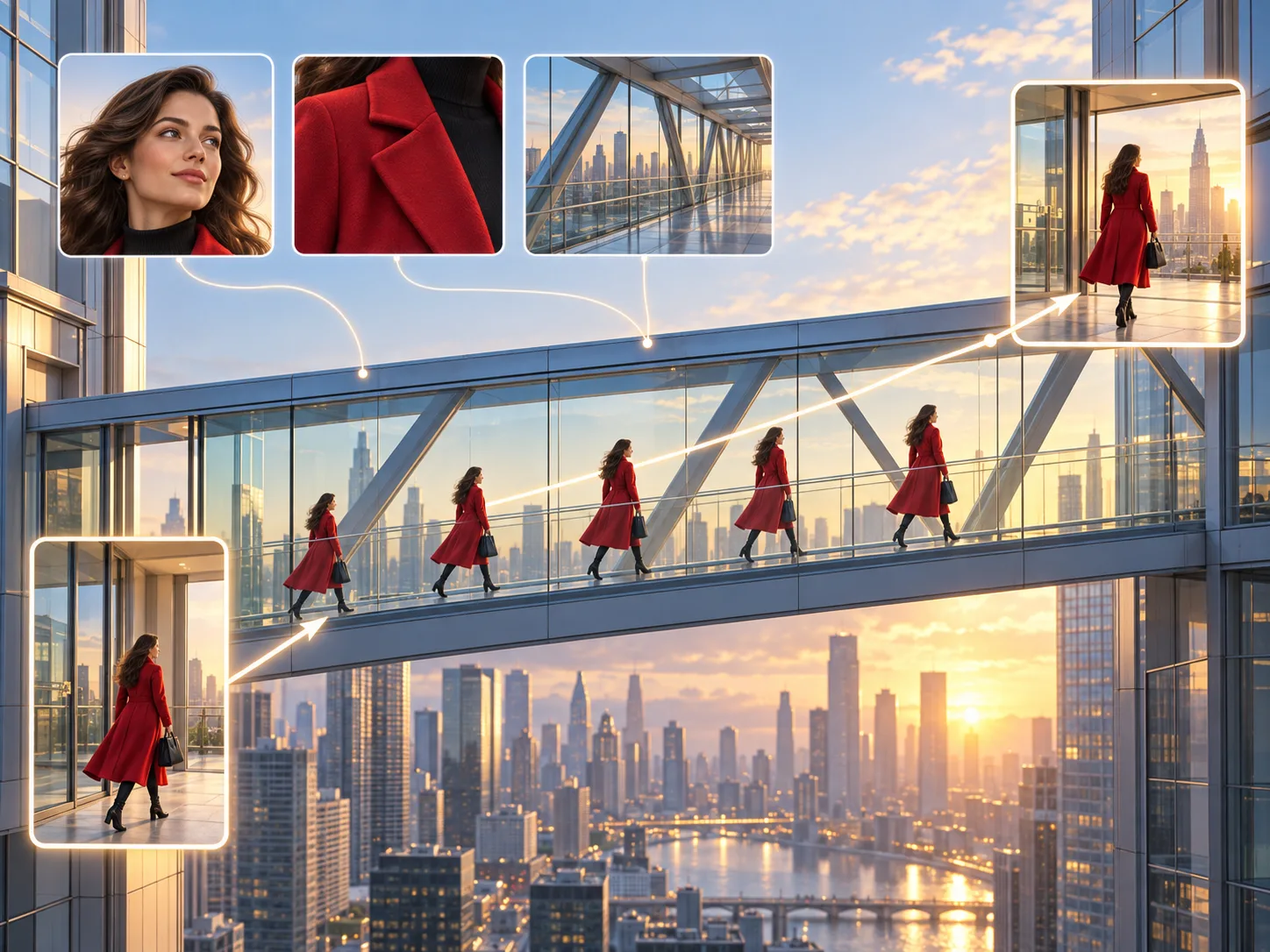
Upload a first frame and optional last frame to define a transition, or supply up to nine reference images for a character, product, location, or visual language. The result follows those anchors while adding the motion described in your prompt.
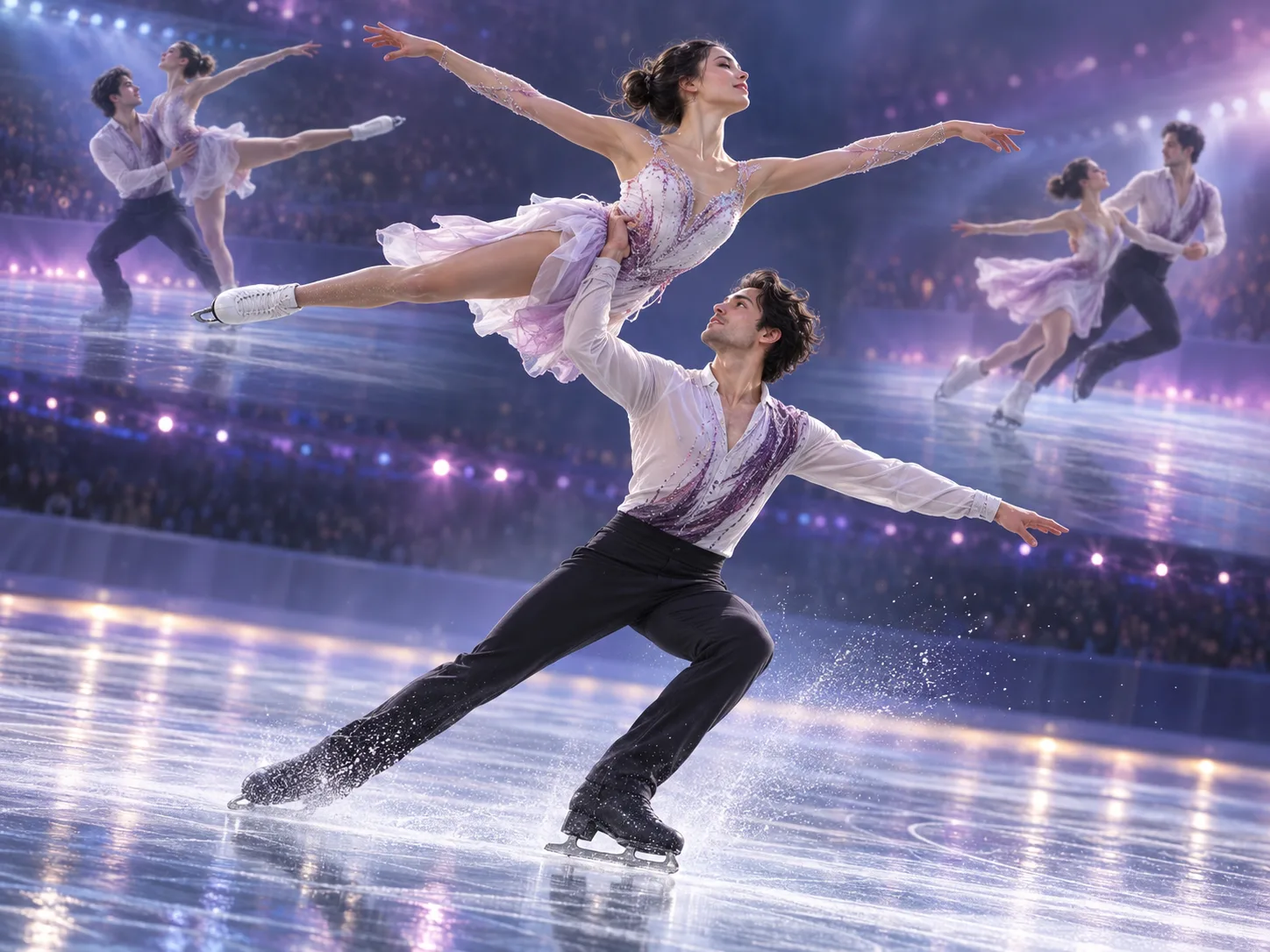
Describe interacting subjects, contact, balance, camera movement, and shot order so the model can stage a readable sequence. This is useful for sports, dance, product handling, and multi-shot moments where believable motion matters.
Choose the input that gives your idea enough structure, then refine the controls that matter for the final clip.
Confirm that Seedance 2.0 Standard is shown in the model picker.
Start from text, upload first and last frames, or add reference images for identity and style.
Describe subject, action, camera, lighting, timing, and any dialogue or sound cues in a clear order.
Choose aspect ratio, duration, resolution, and audio, then generate and download the finished video.
Use controlled inputs and synchronized audio to move from a creative brief to a shareable short-form video.
Use product references and ordered actions to show handling, assembly, material changes, or feature reveals.
Stage a compact beginning, action, and resolution with camera direction, recurring characters, and scene sound.
Coordinate body movement, camera rhythm, environmental effects, and audio cues for energetic performance scenes.
Set a visual start and destination, then describe the continuous motion that should connect both frames.
Keep products and art direction recognizable across social ads, launch teasers, and branded story moments.
Plan sports, dance, crowds, and physical interactions with explicit movement, contact, and camera choreography.
Practical details about the model, inputs, output length, sound, and the Standard workflow on Seadance AI.
Yes. Seedance 2.0 Standard is available in the live generator on this page and is selected by default.
You can use a text prompt, first and last frames, or up to nine reference images. The available controls update with the selected mode.
The Standard generator on this page supports durations from 3 to 15 seconds. Choose enough time for the actions in your prompt to unfold clearly.
Yes. You can turn synchronized audio on or off before generation. Include dialogue, ambience, effects, or music direction in the prompt when audio is enabled.
This page defaults to Seedance 2.0 Standard, not Mini or Fast. The exact selected model remains visible in the generator's model picker.
Standard currently exposes 480p, 720p, 1080p, and 4K options, plus landscape, portrait, square, 4:3, 3:4, 21:9, and adaptive framing where the active mode supports them.
Return to the generator with Seedance 2.0 Standard selected, add your prompt or visual references, and shape a video up to 15 seconds.