Wedding Video Seedance Generator

Turn couple or wedding photos, personal stories, and heartfelt wishes into cinematic wedding, proposal, or anniversary clips. Wedding Video Seedance gives you text, first-frame, and multi-reference workflows in one creative tool.

Couple and wedding photo workflowsProposal, ceremony, and anniversary storiesEditable romantic video prompt

Upload up to 30 images. Refer to them as @Image1, @Image2, and so on in your prompt.

Reference 1
464 / 4000

Generate synchronized audio with the video

Preview video - Generate your own video above

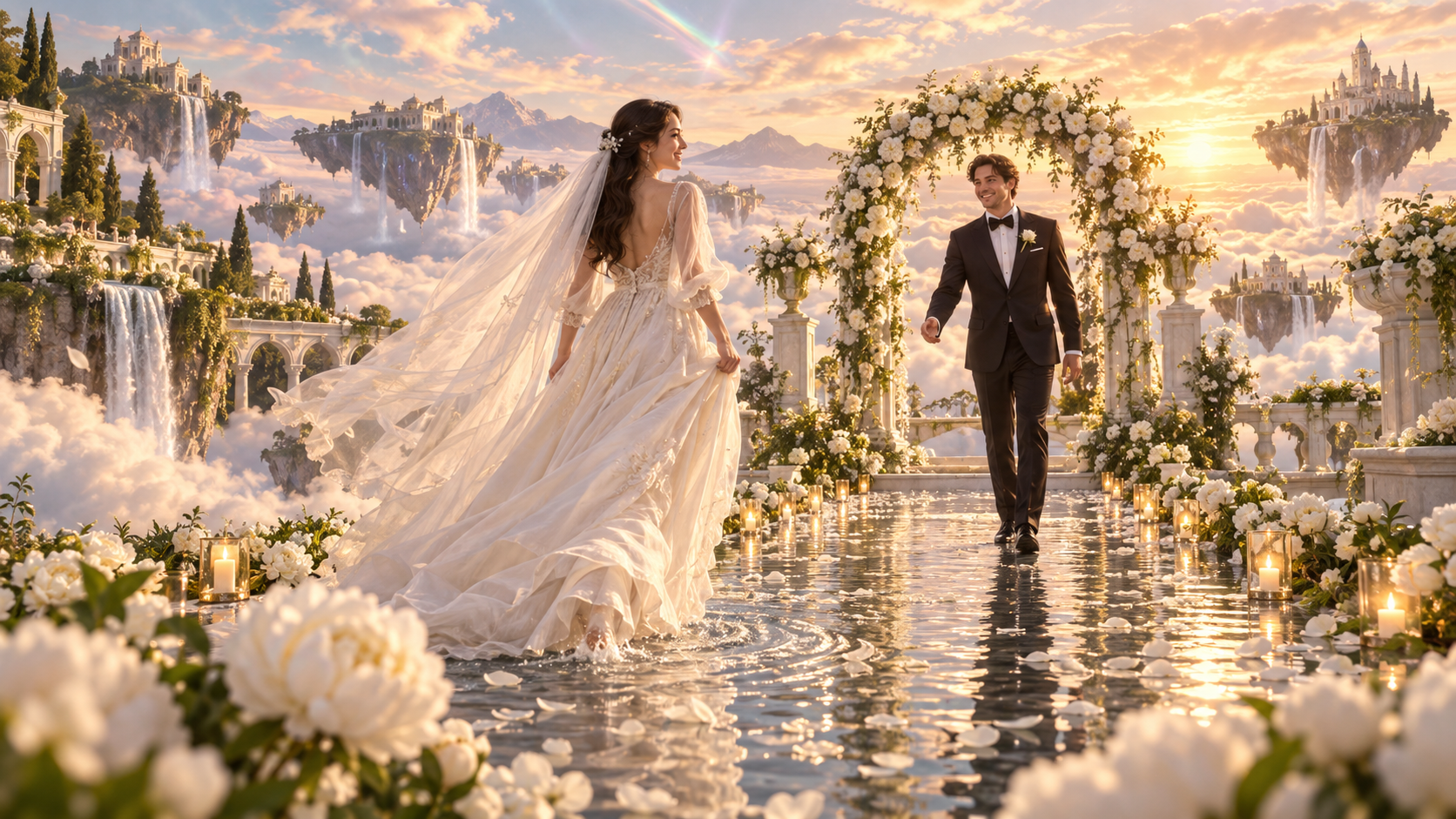
Wedding Video Seedance Example: Sky Garden Ceremony

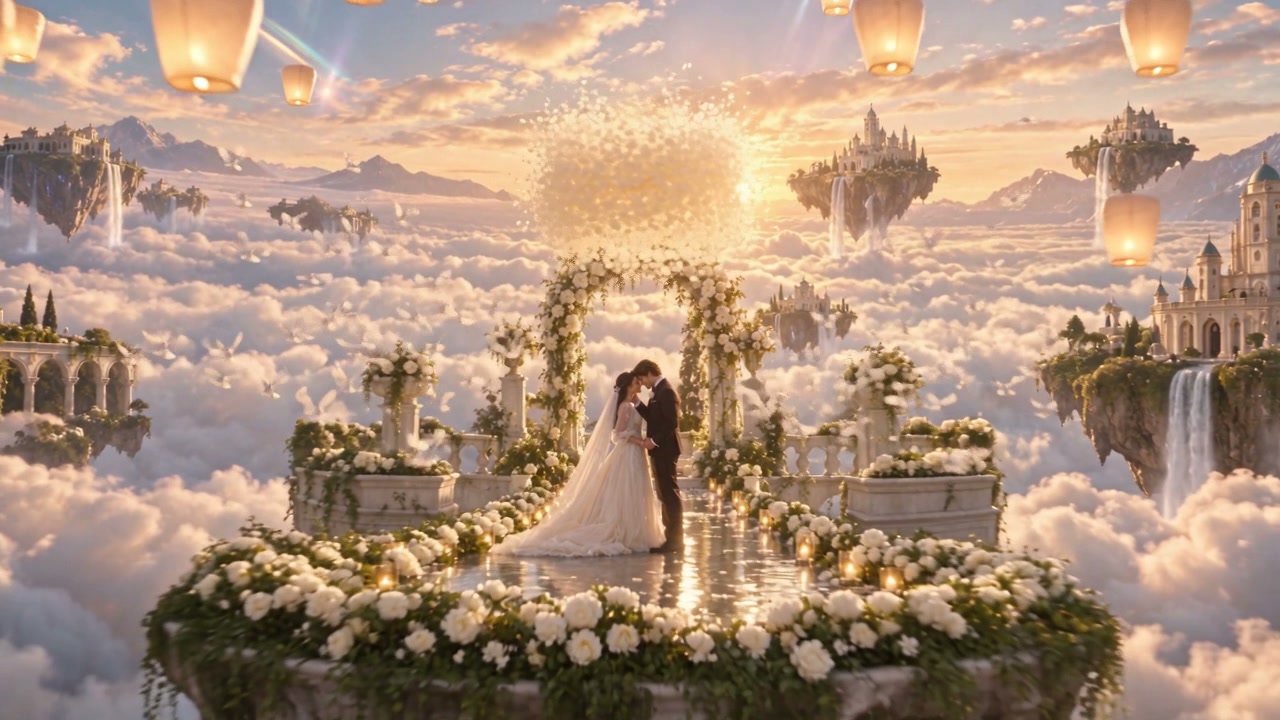
See a wedding reference frame become a continuous romantic sequence with a moving couple, flowing fabric, flower petals, a graceful camera orbit, and a bright final reveal.

Bride and groom meeting in a luminous floating wedding garden

What Is the Wedding Video Seedance Generator?

This Seedance 2.5 workflow helps couples, wedding planners, and creators turn a written idea or visual reference into a short romantic video. Start with text, a first frame, or multiple reference images, then direct the people, setting, emotion, motion, camera, and sound. Results can vary, so review each clip before sharing it.

  • Begin With Meaningful Photos
    Use clear couple portraits, wedding images, or a composed first frame when recognizable people and a specific setting matter.
  • Shape a Personal Story
    Describe the emotional arc, key action, camera movement, atmosphere, and final moment instead of listing visual adjectives alone.
  • Add the Right Mood
    Guide lighting, natural ambience, music, and gentle secondary motion to match a proposal, ceremony, or anniversary.

Wedding Video Seedance Creative Controls

Combine visual references with focused direction to create a romantic clip that feels connected to the couple and occasion.

Multi-Reference Creation

Provide multiple reference images to establish the couple, wardrobe, venue, details, or visual mood for the video.

Couple Continuity

Call out the faces, hair, clothing, proportions, and relationship cues that should remain recognizable as both people move.

Romantic Camera Direction

Plan a clear camera journey, from an intimate detail or entrance to an orbit, reveal, or emotionally strong closing frame.

Atmosphere in Motion

Coordinate petals, fabric, candlelight, weather, reflections, and background activity so every detail supports the moment.

Sound and Music Cues

Describe ambience, vows or spoken wishes, gentle effects, and a musical direction when audio belongs in the story.

A Reviewable Result

Inspect faces, hands, clothing, interaction, timing, sound, and unwanted text before using the clip in a celebration.

How to Make a Wedding Video Seedance Clip

Move from personal references and a simple story idea to a short romantic video in four focused steps.

01

Choose Your Occasion

Decide whether you are creating a wedding moment, proposal surprise, anniversary memory, invitation, or heartfelt greeting.

02

Add Photos or Start With Text

Upload clear images you have permission to use, choose a first frame, or begin from a written description when you want broader exploration.

03

Direct the Story

Describe the couple, setting, action beats, expressions, camera movement, atmosphere, audio, and final composition.

04

Generate and Review

Choose the available format and duration, create the clip, then check identity, interaction, continuity, sound, and framing before sharing.

Wedding Video Seedance Ideas for Every Milestone

Use the generator for romantic moments before, during, and long after the wedding day.

Proposal Surprises

Turn a shared memory or imagined setting into a short reveal that introduces or celebrates a marriage proposal.

Wedding Story Concepts

Visualize an entrance, first look, portrait sequence, dream venue, or cinematic transition for the ceremony and reception.

Save-the-Date Videos

Create a compact motion concept for sharing a wedding date or celebration mood, then add accurate event text in your editor.

Anniversary Memories

Reimagine a favorite couple photo as a gentle moving scene for a milestone recap or private keepsake.

Planner Previsualization

Help couples and collaborators explore a venue mood, procession, floral concept, lighting change, or camera direction.

Wedding Wishes

Transform a blessing, toast, or romantic message into a visual greeting designed for the couple's celebration.

Wedding Video Seedance Questions

Practical answers about photos, prompts, occasions, privacy, and reviewing an AI-generated wedding clip.

1

What can I create with Wedding Video Seedance?

You can explore short wedding scenes, proposal surprises, anniversary memories, save-the-date concepts, planner previsualizations, and visual greetings. The page produces video clips rather than a complete edited wedding film.

2

Can I use couple or wedding photos?

Yes. Seedance 2.5 supports first-frame and multi-reference workflows on this page. Upload only images you have permission to use, and choose clear photos where faces, clothing, and body positions are easy to read.

3

What should the wedding video prompt include?

Describe the people, occasion, setting, sequence of actions, emotions, camera path, lighting, secondary motion, audio direction, and final shot. Keep the story focused enough for the chosen duration.

4

Can I make a proposal or anniversary video too?

Yes. Change the occasion, setting, story beats, and emotional ending while keeping the same photo-based or text-based workflow.

5

Will the generated people look exactly like my photos?

No exact match is guaranteed. Strong, consistent references and concise identity anchors can help, but generated faces, hands, clothing, and interactions may vary and should be reviewed carefully.

6

What should I check before sharing the video?

Review consent and image rights, then inspect faces, hands, body movement, clothing, interaction, background continuity, sound, unintended text, and whether the final framing fits your destination.

Create Your Wedding Video Seedance Story

Bring couple photos, a wedding memory, or a romantic idea to the generator and shape it into a cinematic clip.